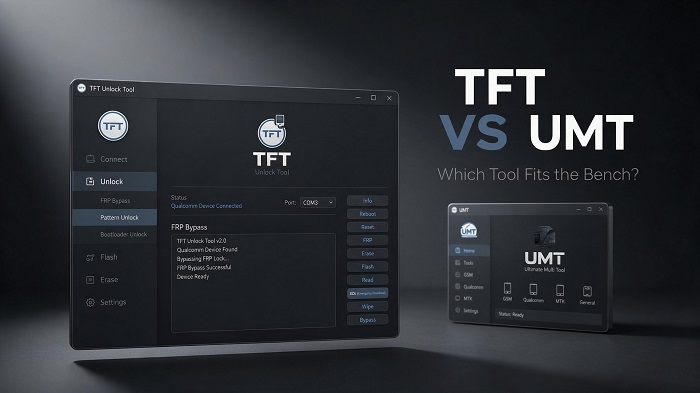
TFT Unlock Tool vs UMT: Which FRP Bypass Tool Is Best?
Most shops primarily dealing with Qualcomm devices with lower ongoing costs may prefer TFT Unlock Tool, while UMT (Ultimate Multi Tool) ...
Read More →If you repair Android phones professionally or simply want to unlock your own device, TFT Unlock Tool can be extremely useful software for your PC.
It allows you to perform several important tasks through a single interface, such as FRP removal, screen lock bypass, firmware flashing, and IMEI repair on certain devices. This reduces the need to use separate tools for different tasks.
In you will download it for free, learn what TFT Tool is, and how to use it step by step so that you can easily resolve various Android device-related issues.
Downloads
Brands
Models
Basic Version
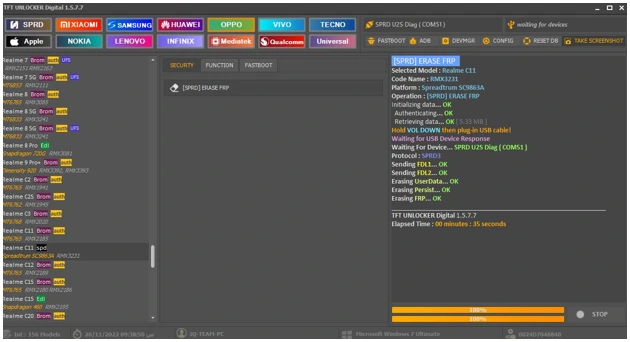
TFT Unlock Tool is a Windows-based free software designed for mobile repair technicians.
This software can be used to remove FRP locks, remove screen locks, flash firmware, and repair IMEI on certain Android phones, allowing you to do multiple tasks within a single PC application. It supports multiple brands, including Samsung, Oppo, Vivo, Tecno, and Infinix.
It is available as a free as well as a paid version. The free version covers most of the common and day-to-day repair tasks. So even if you are still learning mobile repair, it can be very useful.
Everything you need to repair, unlock and service Android devices from one Windows application.
Remove Factory Reset Protection from supported Android devices safely and quickly.
Remove PIN, Password, Pattern and Face Lock from supported Android phones.
Flash official firmware to repair boot loops, soft-bricked devices and software issues.
Repair IMEI on selected compatible devices supported by the TFT platform.
Read complete hardware and software information directly from connected devices.
Perform safe factory reset operations without requiring device verification on supported models.
TFT Unlock Tool supports a wide range of Android manufacturers.
| Brand | FRP | Unlock | Flash | IMEI |
|---|---|---|---|---|
| Samsung | ✔ | ✔ | ✔ | ✔ |
| Xiaomi | ✔ | ✔ | ✔ | — |
| Oppo | ✔ | ✔ | ✔ | — |
| Realme | ✔ | ✔ | ✔ | — |
| Vivo | ✔ | ✔ | ✔ | — |
| Tecno | ✔ | ✔ | ✔ | — |
| Infinix | ✔ | ✔ | ✔ | — |
| Huawei | Select Models | — | ✔ | — |
Download the latest version of TFT Unlock Tool for Windows. The software supports Samsung, Xiaomi, Oppo, Vivo, Realme, Tecno, Infinix, Huawei, Qualcomm and MediaTek devices.
File Name
TFT_Unlock_Tool.zip
File Size
Approximately 302 MB
License
Free + Premium
Platform
Windows
Always scan downloaded files before installing.
Make sure your computer meets these minimum requirements.
| Operating System | Windows 7 / 8 / 10 / 11 |
|---|---|
| Architecture | 32-bit & 64-bit |
| RAM | Minimum 4 GB |
| Storage | 1 GB Free Space |
| Processor | Intel or AMD Dual Core |
| USB Drivers | Samsung / MTK / Qualcomm Drivers |
Download, install, and launch the latest version of TFT Unlock Tool in less than two minutes. No advanced technical knowledge is required.
Download the latest TFT Unlock Tool ZIP or RAR package from our secure download page.
Extract the downloaded archive using WinRAR or 7-Zip to access the setup files.
Open Setup.exe, enter the installation password if prompted, and complete the installation wizard.
Open TFT Unlock Tool from your desktop shortcut and connect your Android device using a USB cable.
Download the latest version of TFT Unlock Tool and start repairing Android devices with ease.
Download FreeFollow these simple guides to bypass FRP, remove screen locks, or flash firmware using TFT Unlock Tool. Each process only takes a few minutes when performed correctly.
Step-by-step tutorials, tips, and updates to help you get the most out of TFT Unlock Tool.
Most shops primarily dealing with Qualcomm devices with lower ongoing costs may prefer TFT Unlock Tool, while UMT (Ultimate Multi Tool) ...
Read More →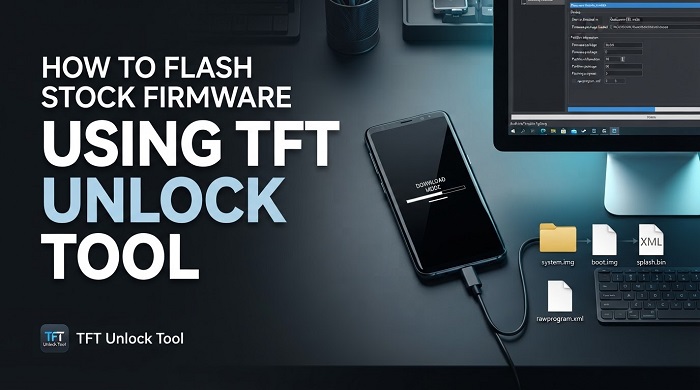
TFT Unlock Tool can be used to flash stock firmware to get a device working and back to factory condition if it is bricked, stuck in a boot ...
Read More →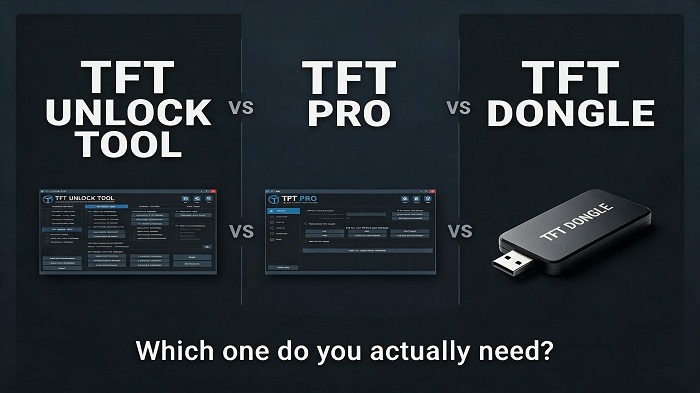
Tools in the TFT Unlock Tool family are usually offered in three ways. First, a free client with limited functions. Second, a paid credit or ...
Read More →
FRP (Factory Reset Protection) is a security feature from Google designed to protect an Android phone from unauthorized use after a factory reset.
Read More →
You are not the only person who has found it difficult to unlock their own phone due to forgetting their pattern, pin or password, and you don't have to lose it.
Read More →Find answers to the most common questions about downloading, installing, and using TFT Unlock Tool.
TFT Unlock Tool server connection error is typically caused by the software’s inability to connect to its authentication servers. To fix this issue, try to enable the built-in VPN option inside the tool and connect to it before doing any operation.
If the problem continues, you can try to temporarily disable your antivirus software, as security software can block the tool from accessing the internet to communicate with the server.